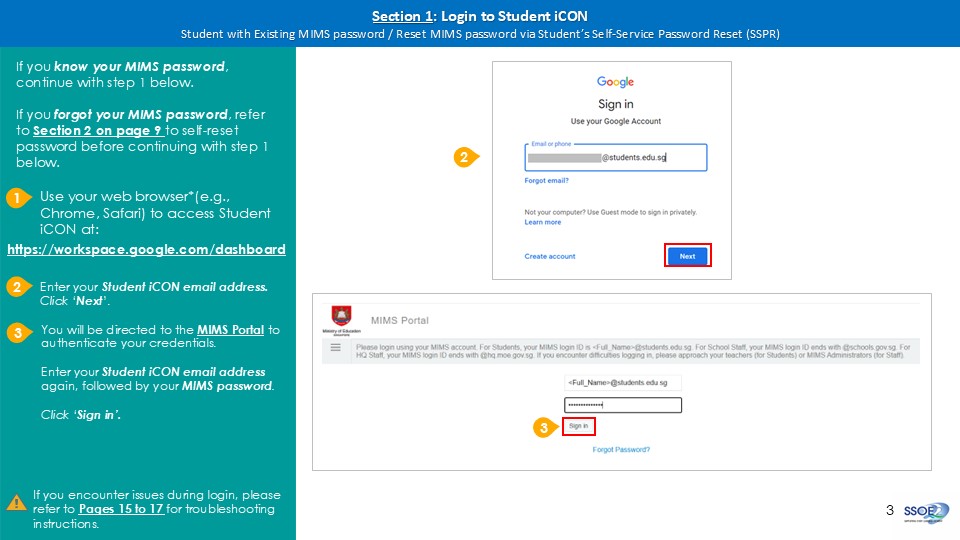
MIMS login
Log in to Student iCON via your web browser to access your apps and tools.
Last updated on 8 September 2026
Use your web browser*(e.g., Chrome, Safari) to access Student iCON at:
https://workspace.google.com/dashboard (opens in new tab)
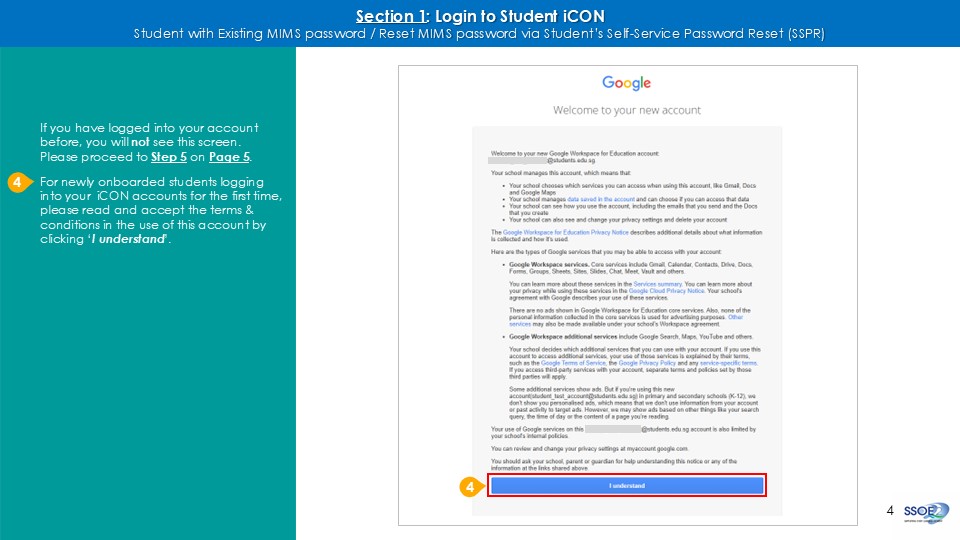
After successfully logged in for the first time, you should see the page below.
This is the landing page that you will see after logging in.
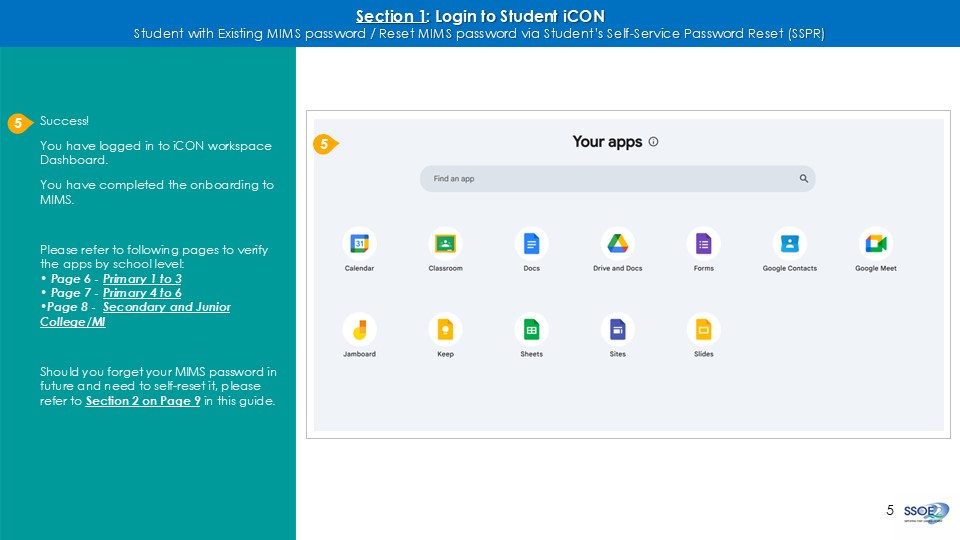
For Primary 1 to 3 students, these are the apps you are able to see.
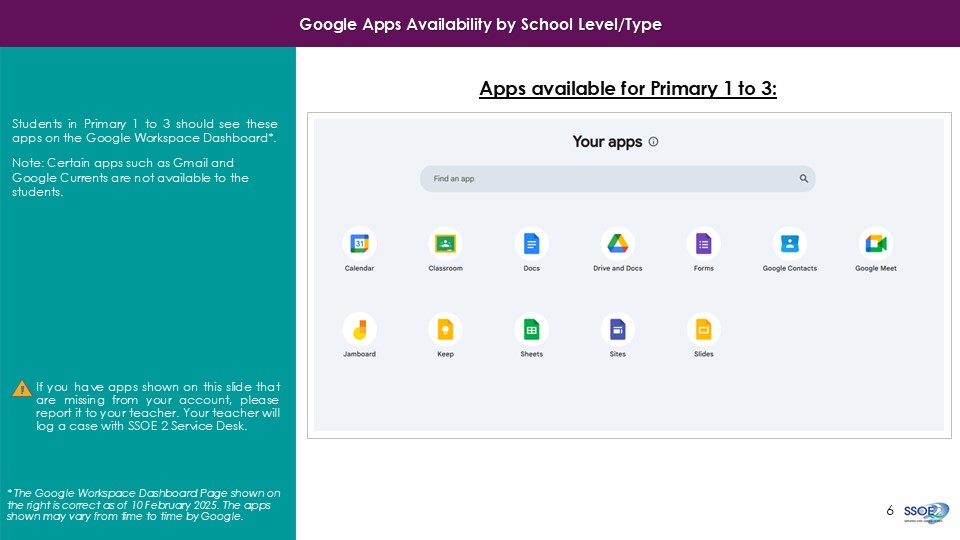
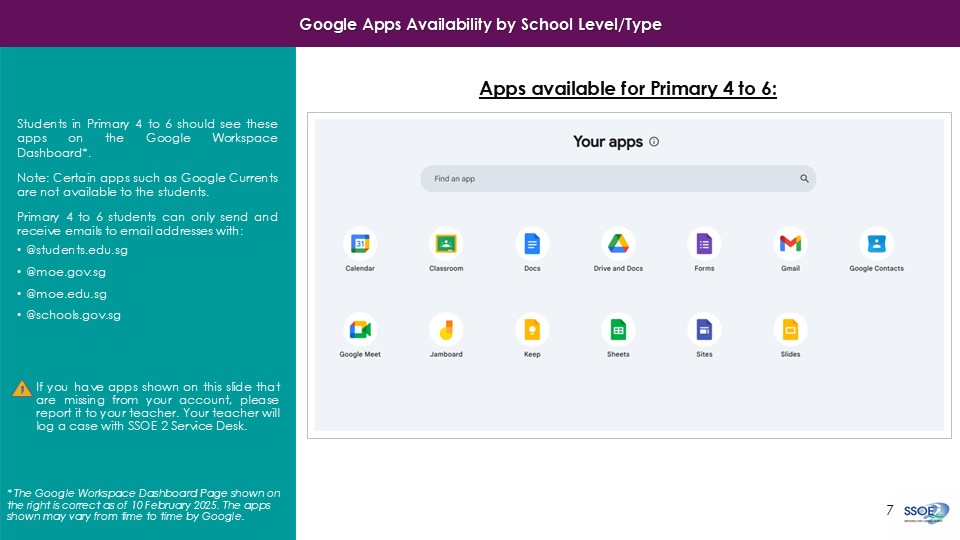
For Primary 4 to 6 students, these are the apps you are able to see.